
Adding Applications to Posture Management

Improve the security posture of SaaS applications using SpinOne.
Use SpinOne’s Posture Management to harden the security of connected SaaS applications. To add a SaaS application, navigate to the Connectors page.
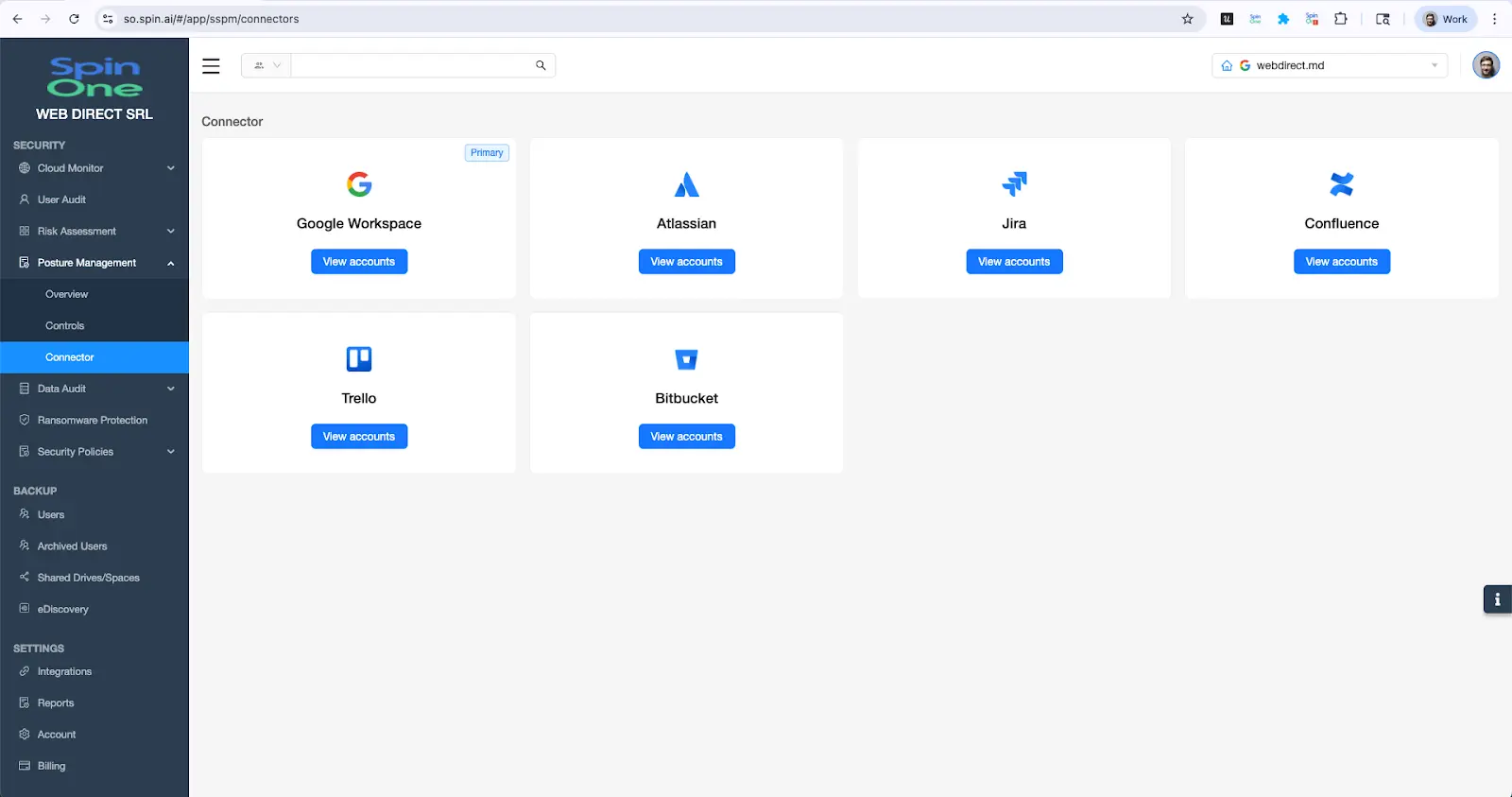
Select the desired SaaS application by clicking “View accounts”. Next, select “Add account” and complete the required fields. The required fields vary by SaaS application and tooltips are included to help locate these fields. Special instructions for SaaS applications requiring additional information can be found at the bottom of this page.
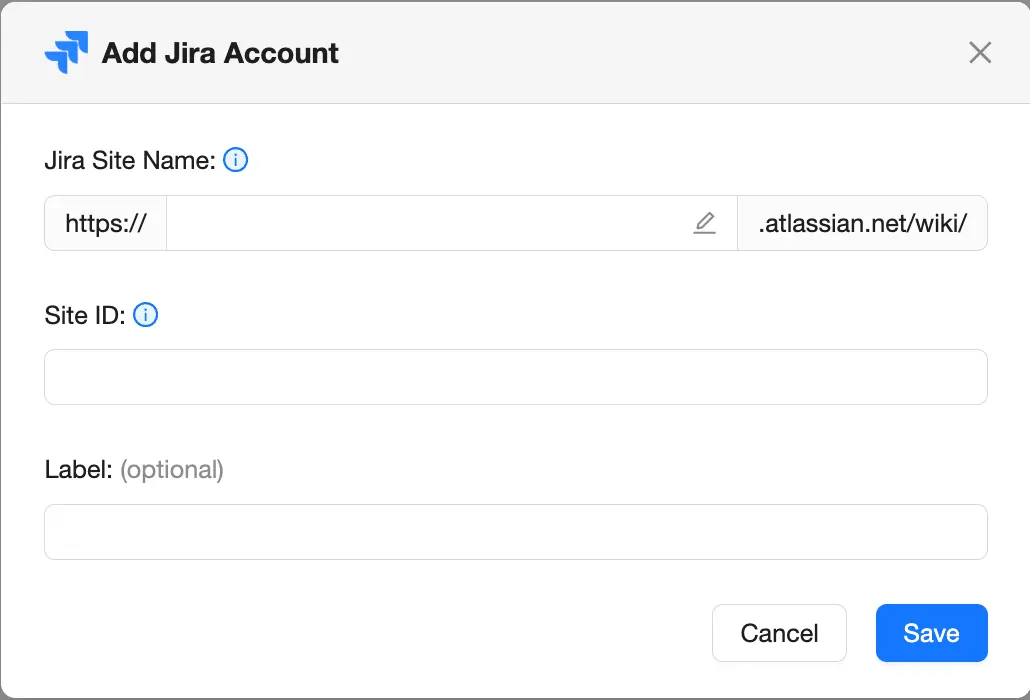
Once the form is submitted, the SpinOne platform begins processing the account. Once the processing is complete, the person that added the account will receive an email confirmation. A pop-up will also appear and prompt the person to select “Scan now”.
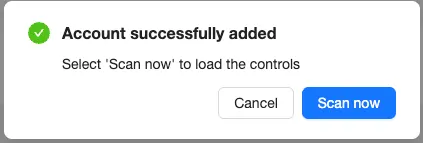
Once scanned, the security controls for the added account will be loaded in the Controls page.

Snowflake Setup
Follow the steps below to create a dedicated Snowflake user and role for the SpinOne platform and generate a Programmatic Access Token (PAT).
You must be logged in as a Snowflake admin with permission to create users, roles, and network policies.
Step 1: Switch to the admin role
USE ROLE ACCOUNTADMIN;Step 2: Create a dedicated API user
CREATE USER IF NOT EXISTS SPIN_AI_SERVICE
 TYPE = SERVICE;
Step 3: Create a network policy that allows all IP addresses
CREATE NETWORK POLICY IF NOT EXISTS ALLOW_ALL_IPS
 ALLOWED_IP_LIST = ('0.0.0.0/0')
 BLOCKED_IP_LIST = ();
ALTER USER SPIN_AI_SERVICE
 SET NETWORK_POLICY = ALLOW_ALL_IPS;
Step 4: Grant required privileges for the dedicated API user
GRANT ROLE SECURITYADMIN TO USER SPIN_AI_SERVICE;

-- 1️⃣ Drop old token if it exists
BEGIN
 ALTER USER SPIN_AI_SERVICE
  REMOVE PROGRAMMATIC ACCESS TOKEN spin_ai_pat;

EXCEPTION
 WHEN statement_error THEN
  -- This catches the "Object does not exist" error
  RETURN 'Token not found; skipping removal.';
END;

-- 2️⃣ Create new 365-day PAT with role restriction
ALTER USER SPIN_AI_SERVICE
 ADD PROGRAMMATIC ACCESS TOKEN spin_ai_pat
 DAYS_TO_EXPIRY = 365
 ROLE_RESTRICTION = 'SECURITYADMIN';
Once the token is generated, copy it and paste it into the Snowflake connection field in the SpinOne platform.
GitHub Setup
Follow the steps below to create a GitHub API token via Personal Access Token.
Step 1: Navigate to GitHub Profile > Settings > Developer Settings > Personal access tokens > Fine-grained tokens > Generate new token
Step 2: Configure the following token settings:
- Token name
- Description
- Resource owner
- Expiration: No expiration
- Repository Access: All repositories
- Permissions:
- Administration, Read-only access
- Contents, Read-only access
- Metadata, Read-only access
- Pull requests, Read-only access
Once the token is generated, copy it and paste it into the GitHub connection field in the SpinOne platform.