
SpinCRX Application Security Policy

The Application Policy type is a critical element of our product, designed to identify, assess, and manage extensions based on predefined criteria. It offers actions such as blocklisting, allowlisting, notifications, access revocation, and user suspension to maintain security and compliance within your environment.
To begin creating Application Security Policies, navigate to SpinCRX…
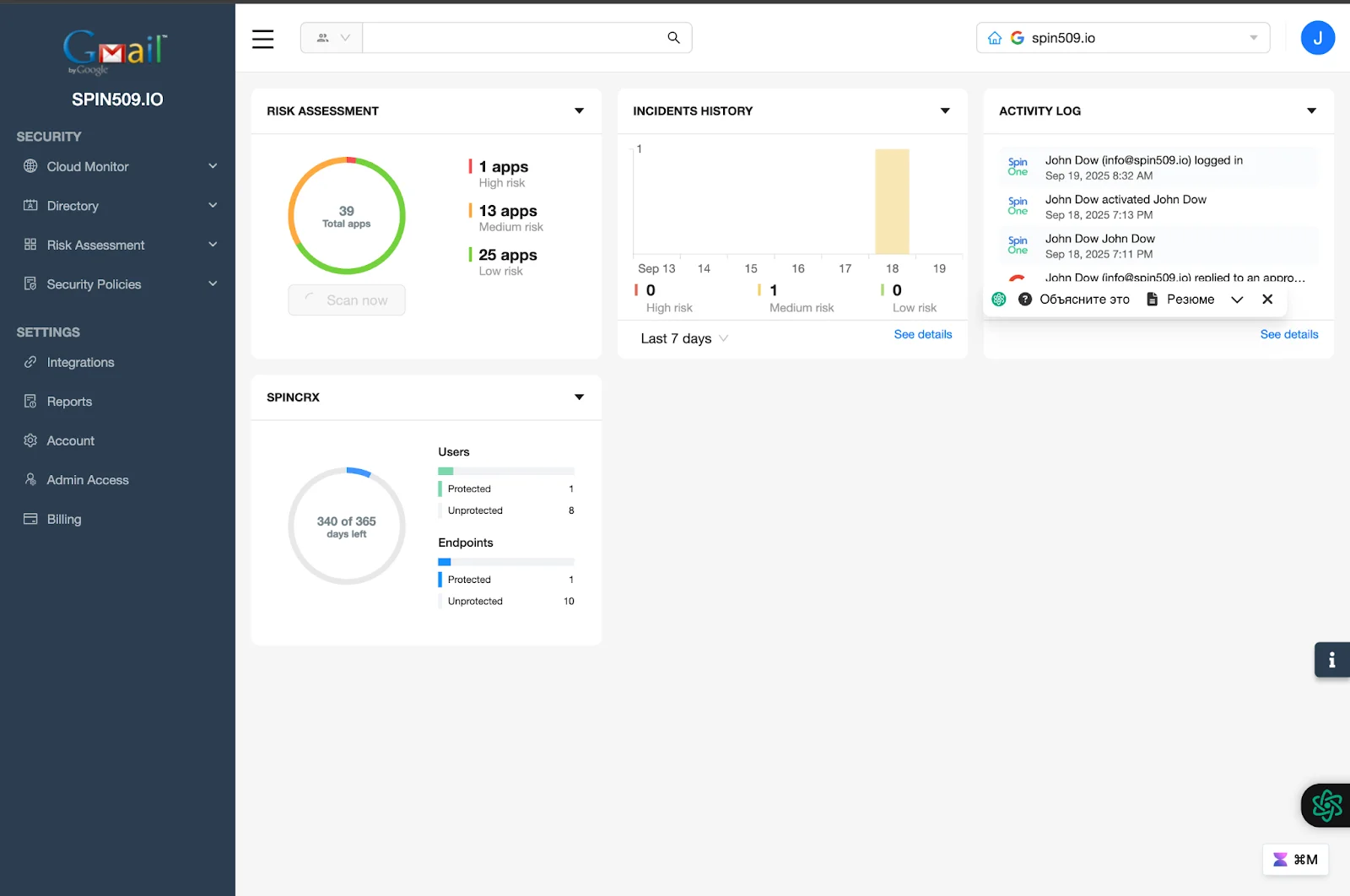
From here, select Security Policies on the left hand toolbar – You will automatically be directed to the Policies Management menu…
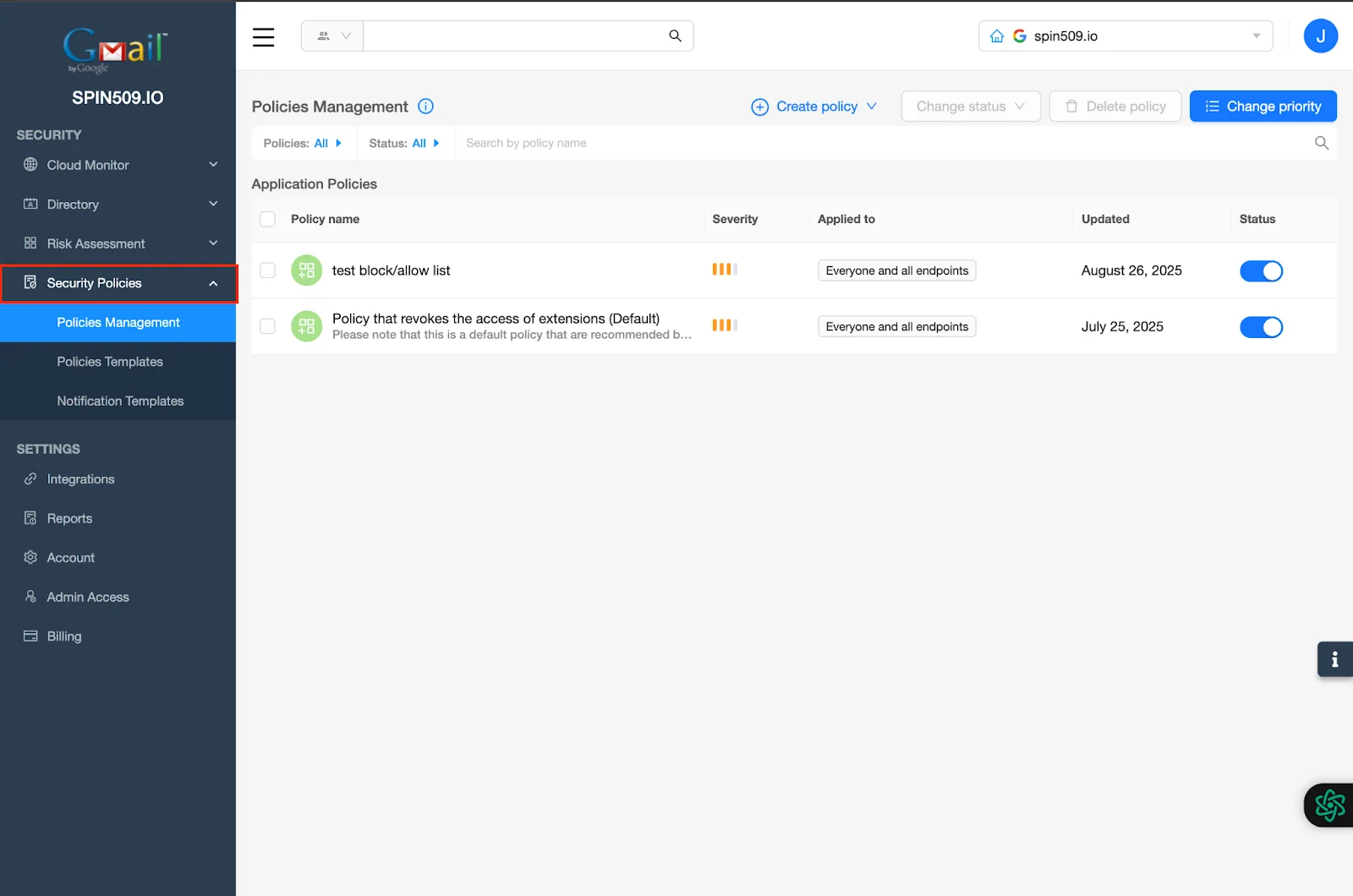
Now, select Create Policy and select Application Policy…
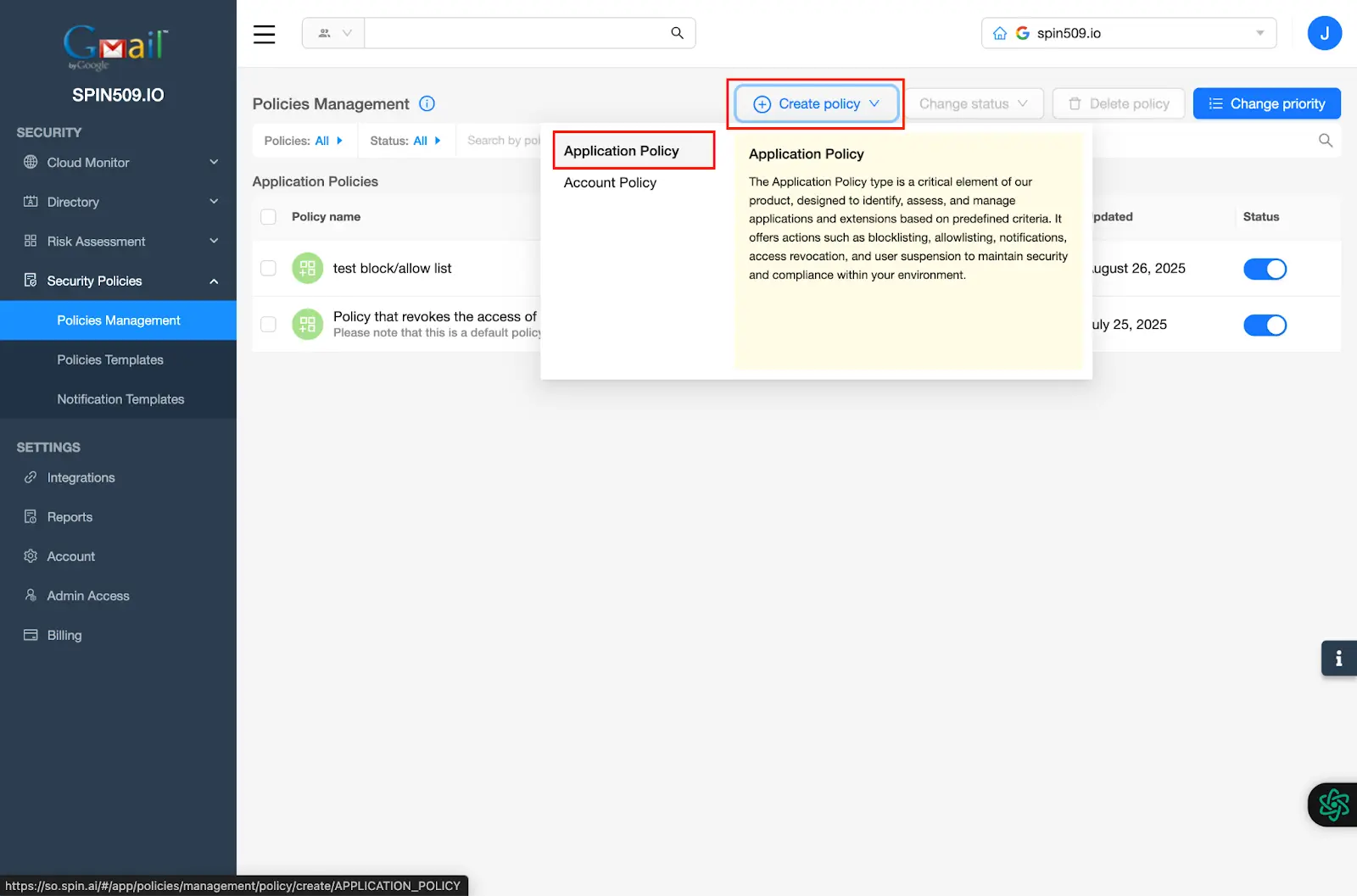
Now, you should see the Security Policy creation menu… start by giving your Application Security Policy a name by navigating to Policy Name and a brief summary found under Description…
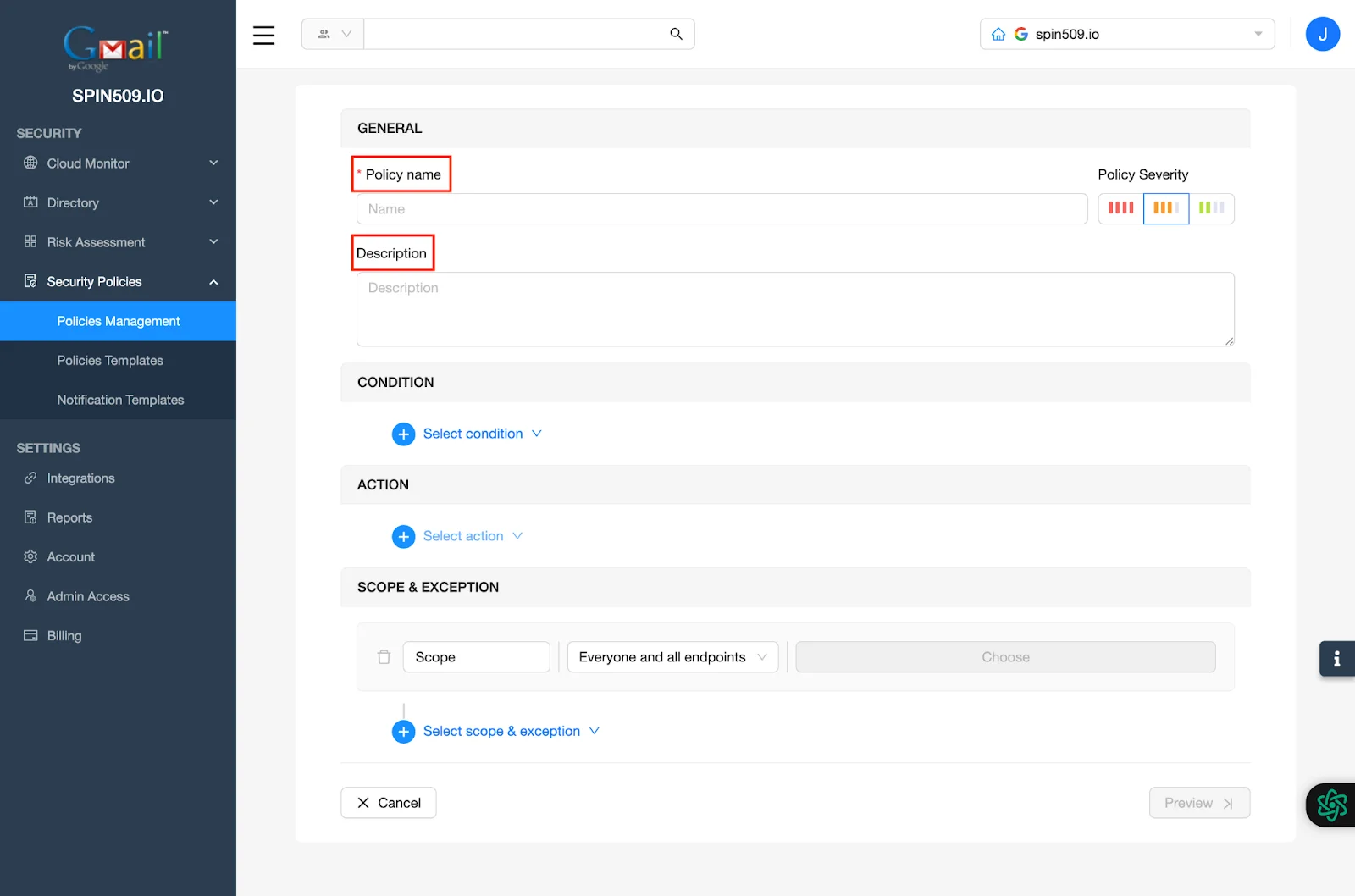
Next, navigate to the Condition section and click Select Condition. Here you see a variety of Conditions that can be stacked upon each other to create scenario based actionability…
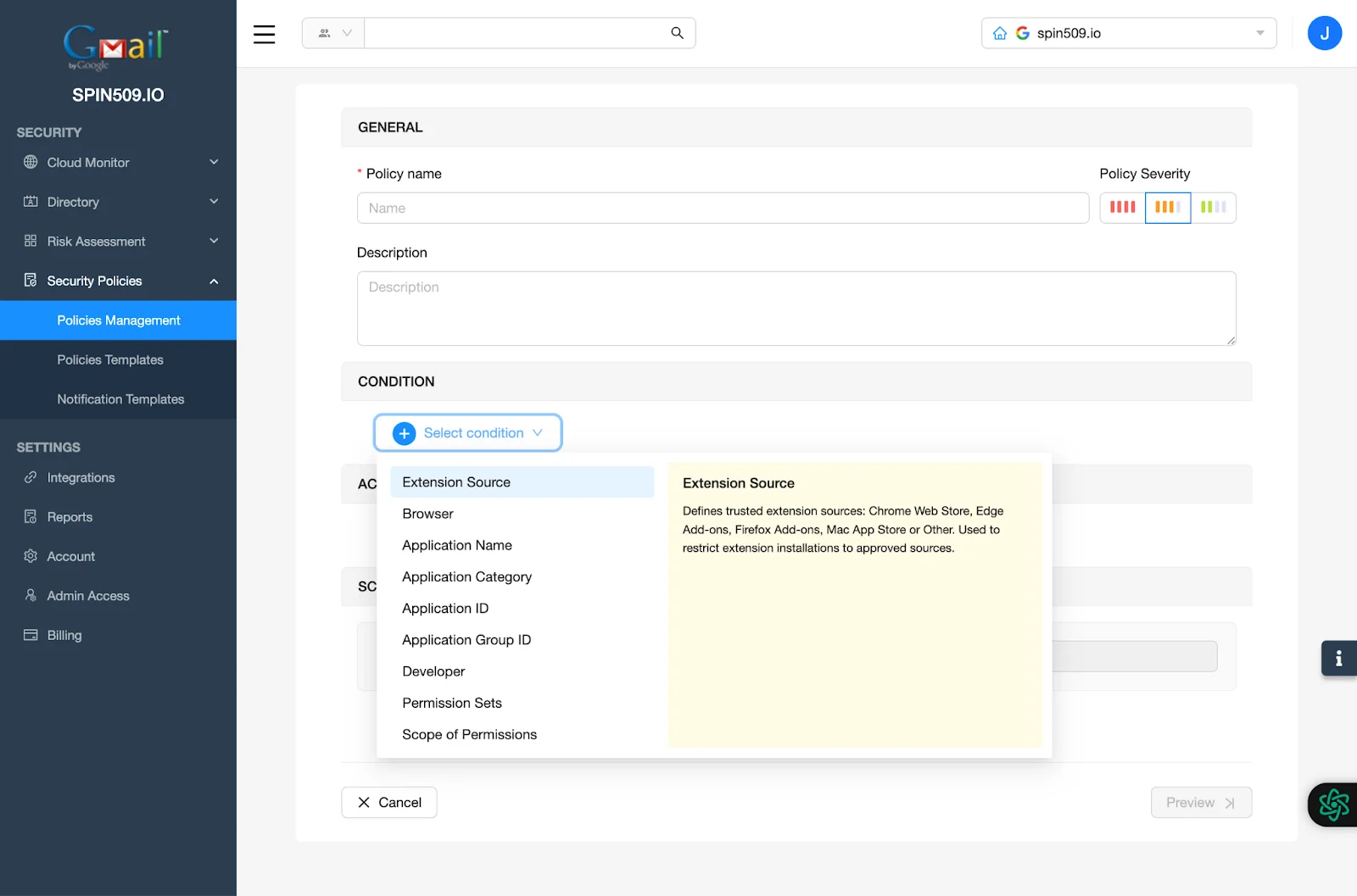
Let’s create a simple but popular Security Policy intended to blocklist a Chrome Extension that externally communicates to GenAI or LLM…
First, click Extension Source and select Chrome Web Store.
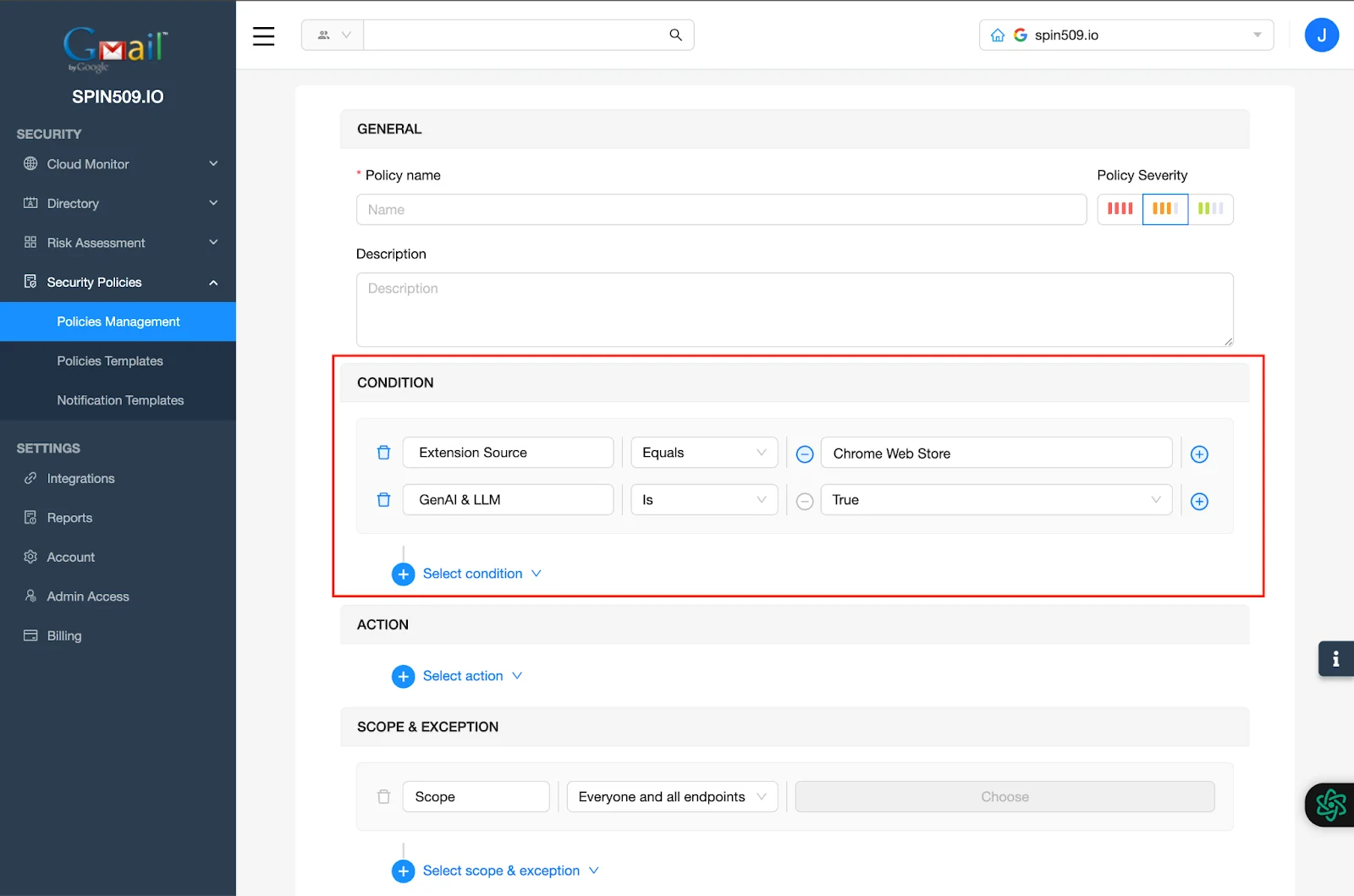
Secondly, scroll down on the Condition menu and select GenAI & LLM.
Your Conditions should now look like this…
Now, it’s time to dictate what you would like this Security Policy to do when the Conditions have been met…
First, click Select Action.
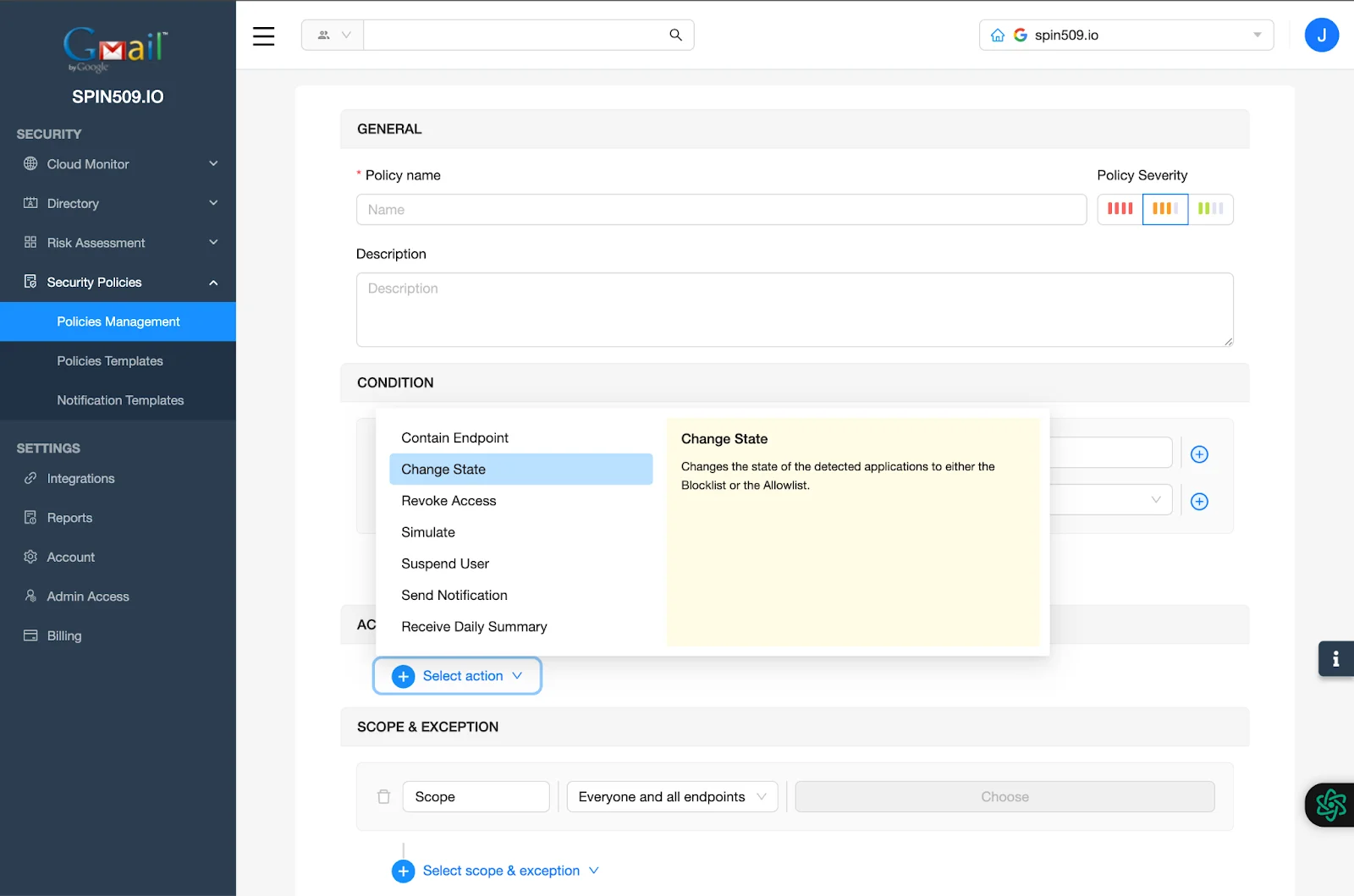
Secondly, select Change State as your first Action and change state to Blocklist.
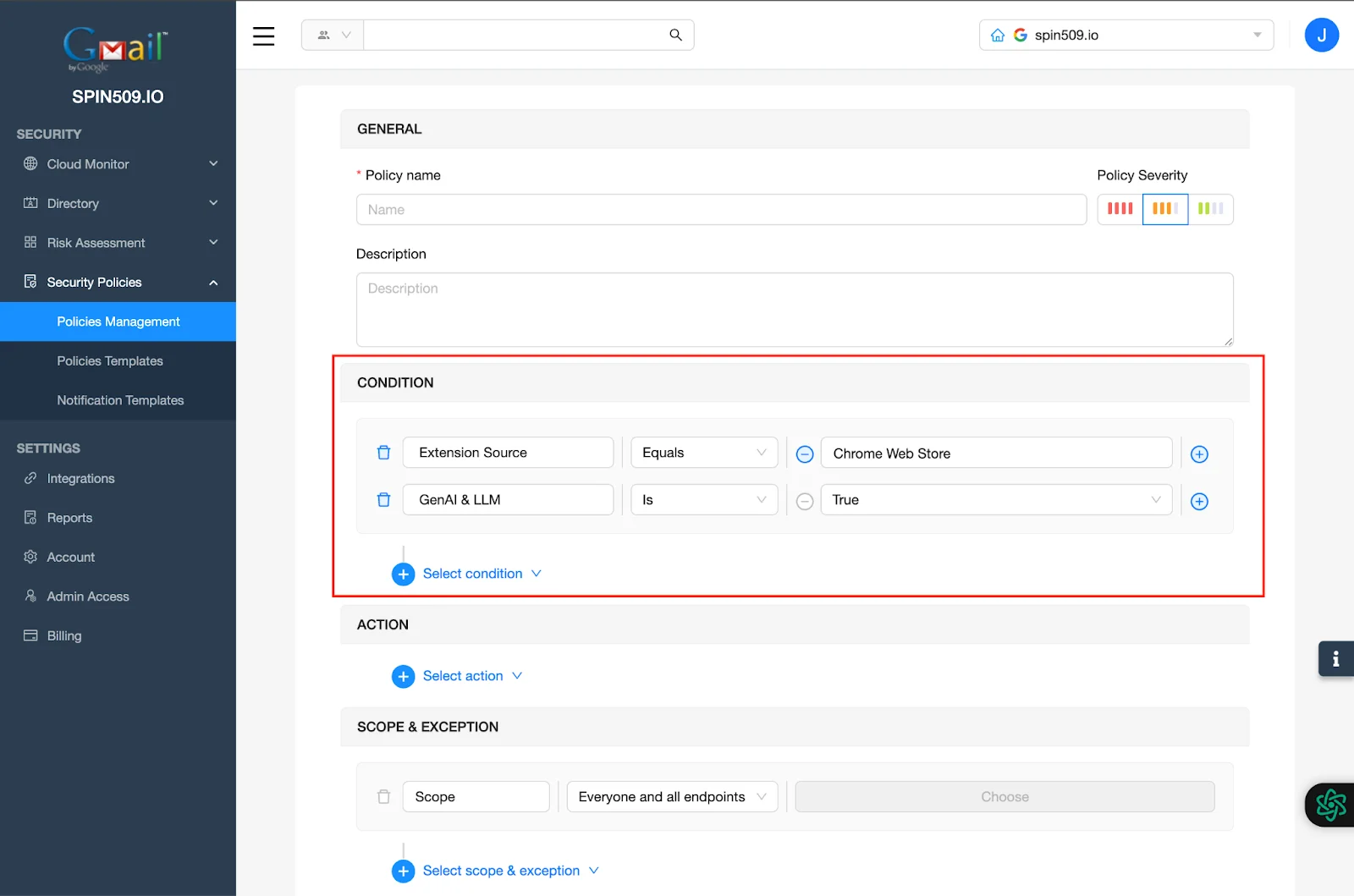
Now, let’s select two more Actions… Revoke Access and Send Notification…
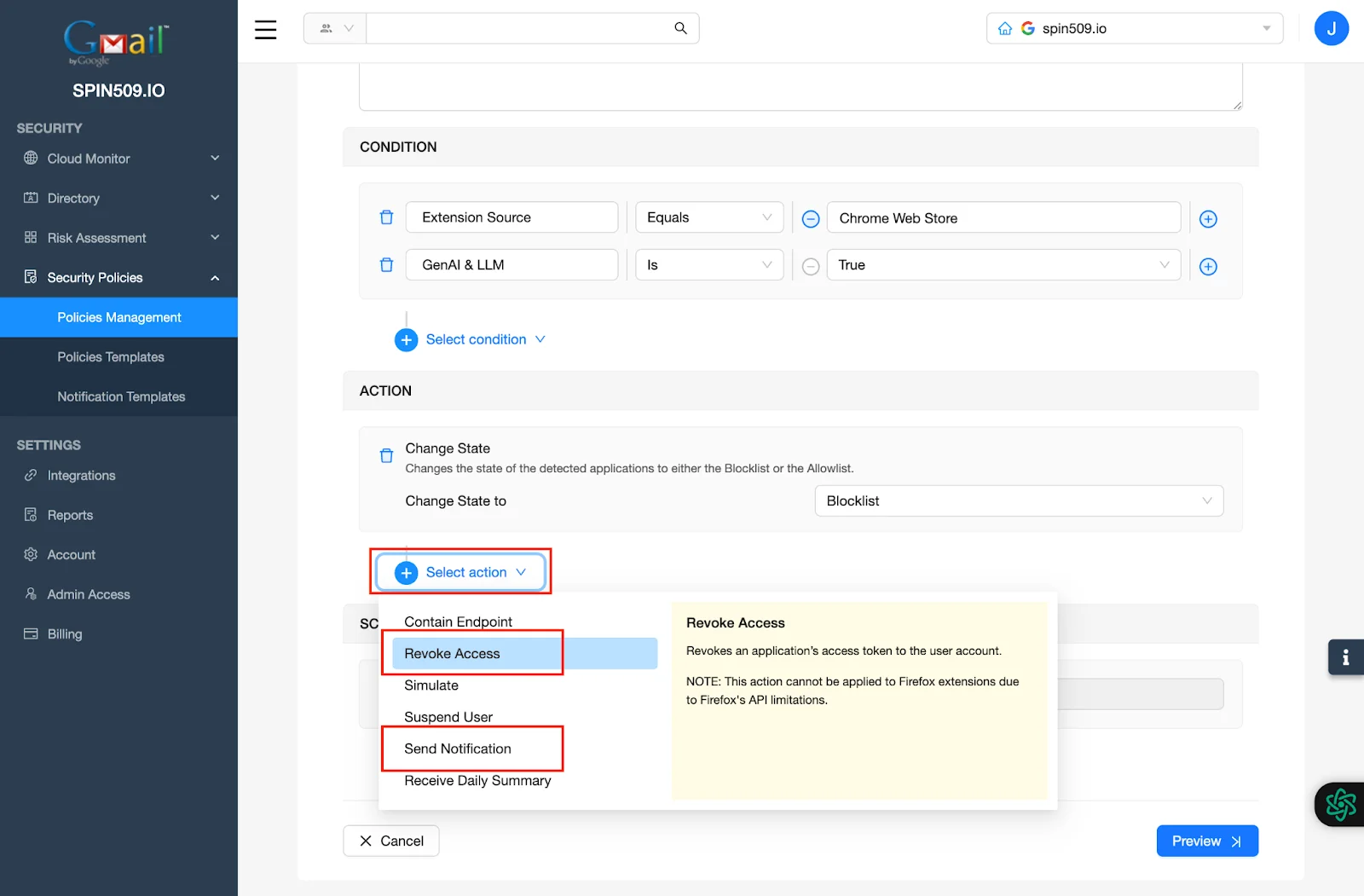
The Action menu of your Security Policy should now look like this…
Tip! There are a variety of integrations for the forwarding of alerts when a Security Policy is triggered, be sure to select the integration that best suits your needs!
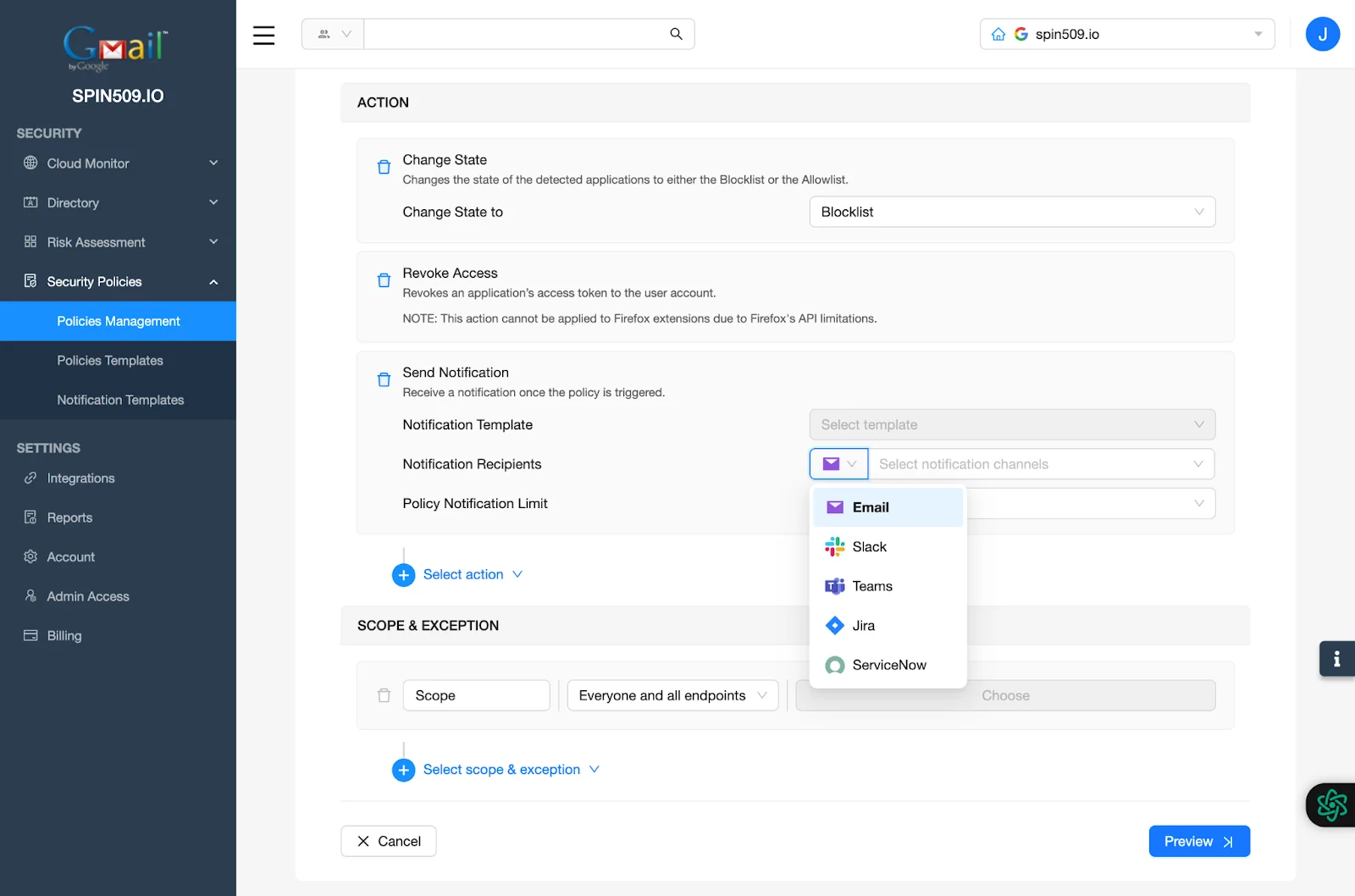
Lastly, navigate to Scope & Exception and determine the scope of the entities to which this Security Policy should apply and once completed, select Preview and then Save.
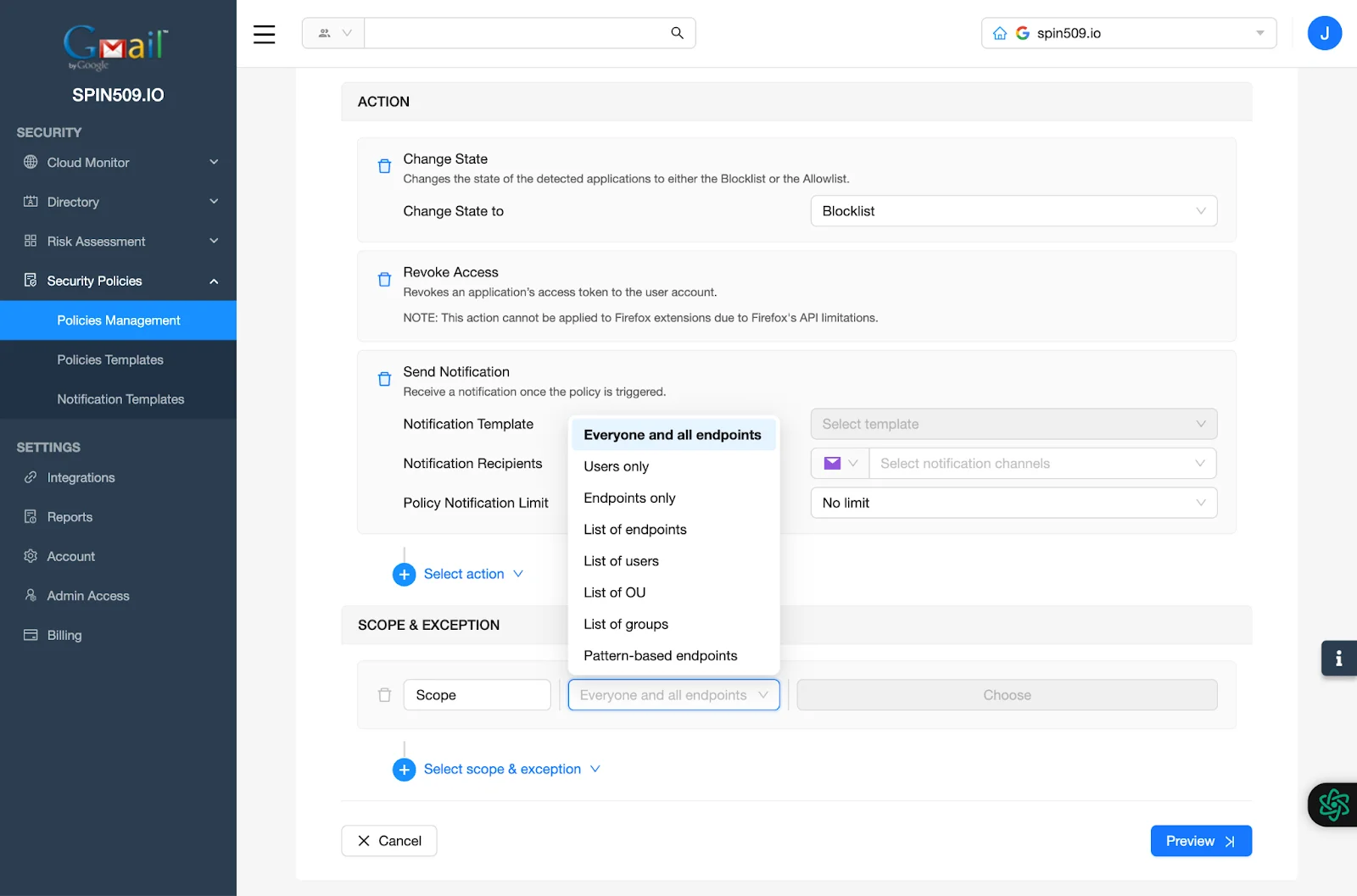
Congratulations! You have successfully created your Application Security Policy!
Be sure to reference other Knowledge Base articles; showing how to onboard Endpoints as well as Users from your Directory.