Ransomware Protection for Google Workspace™
Fully automated ransomware detection and response for Gmail™, Google Drive™, and Shared Drive™ — 100% automated, no human involvement required.

Reduce Ransomware Attack Downtime for Google Workspace
SpinOne helps defeat cloud ransomware attacks on your Google Workspace™ mission-critical SaaS data. It provides 24/7 ML-powered ransomware monitoring to protect your Gmail™, Google Drive™, and Shared Drive™ data. It also provides full visibility into the scope of the damage when a ransomware attack occurs and a fast, fully automated incident response. SpinOne reduces downtime to under 2 hours and recovery costs by up to 90%, with recovery happening in minutes, not weeks.

Reduce Ransomware Attack Downtime
SpinOne provides a 2-hour incident response SLA from cloud ransomware attacks, reducing downtime from 21 days to 2 hours.

24/7 Ransomware Threat Monitoring
24/7 ransomware monitoring of core Google Workspace services. SpinOne’s ransomware prevention and threat monitoring proactively detects ransomware patterns and stops an in-progress attack, acting as your last line of defense.

ML-Powered Detection
Machine learning algorithms proactively detect early signs of a cloud ransomware attack using behavior-based detection methodology for advanced threat protection.

Block Ransomware Attack Source
SpinOne blocks the source of a ransomware attack by revoking API access to the malicious OAuth app or Chrome extension responsible, immediately stopping the spread.

Damaged Assets Isolation
Damaged files are isolated once a ransomware attack is detected, preventing any further encryption to your Google Workspace data.

Immutable Endpoint Security Storage
Your SaaS data backups are secure by design. SpinOne provides multiple locations to keep your data safe with endpoint protection including AWS, GCP, Azure, or BYOS.

Automated Ransomware Recovery
SpinOne automatically recovers any affected files from the last successfully backed-up version after stopping a ransomware attack, maintaining Drive folder hierarchy, sensitive data protection, and sharing permissions.

Real-Time Alerting
SpinOne sends immediate security alerts to domain administrators via Email, Slack, or Teams of a ransomware infection while automated protection is taking place.
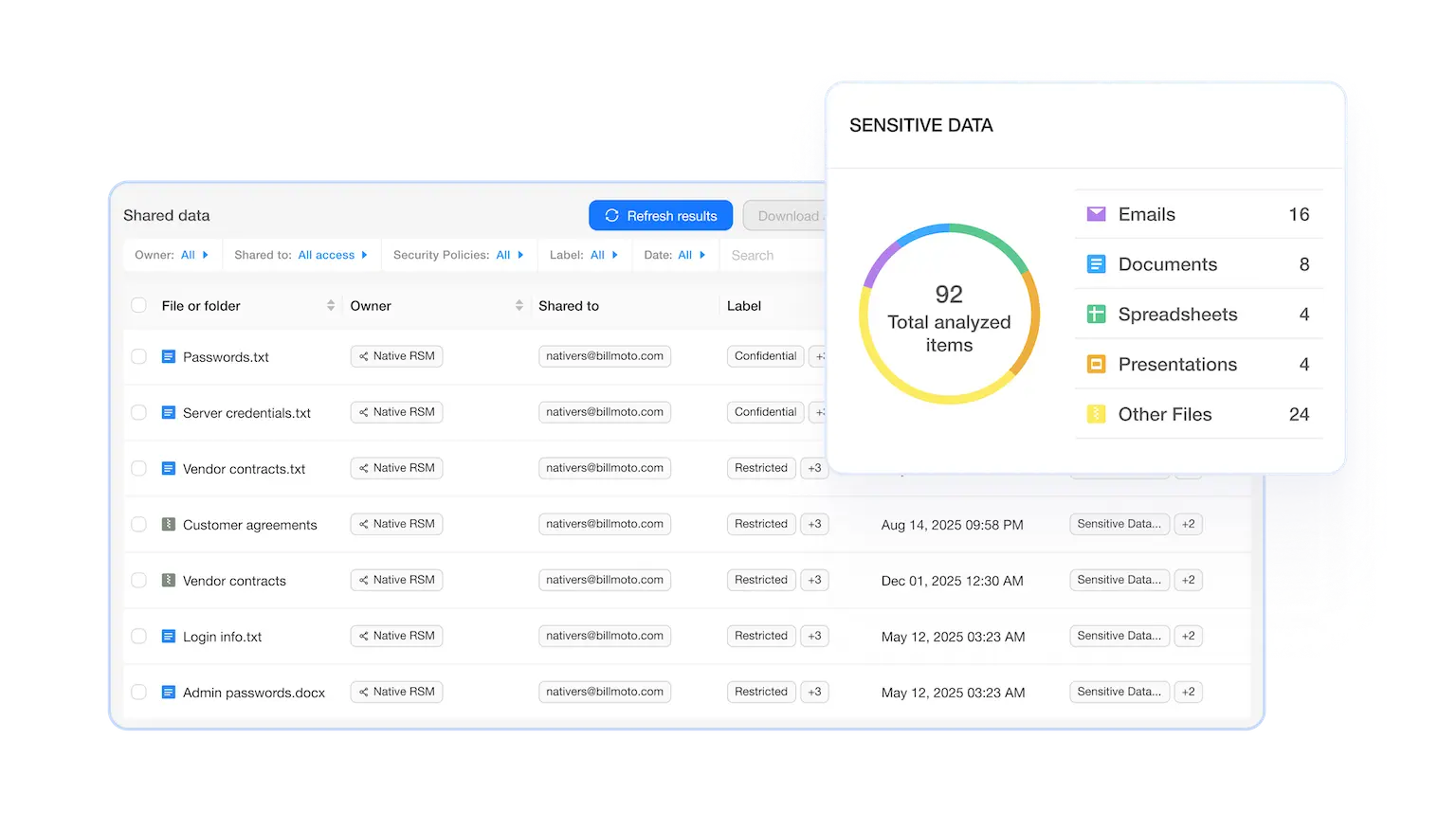
Google Workspace™ Ransomware Protection for Business Continuity and Compliance
SpinOne can detect ransomware in the cloud, block the source of the attack, identify encrypted files, notify Google Workspace™ admins of a potential ransomware attack in real time, and initiate the automated granular recovery of the damaged assets — all without requiring any human intervention.
Google Workspace™ Ransomware protection by SpinOne helps prevent compliance breaches, ensures SaaS data availability, and safeguards your business continuity and SaaS data integrity.
Accelerated Ransomware Recovery
SpinOne guards against ransomware and prevents your SaaS data in Google Workspace™ from sensitive data leak, data loss, reputational and financial damage.
SpinOne allows fast and granular restore to the most recent versions of your Google Workspace™ data in minutes, ensuring mission-critical data availability and near-zero downtime, and overcoming Google API limitations.
Protect high-value and compliance data against sophisticated ransomware attacks in Google Workspace™ with a comprehensive disaster recovery solution for SaaS applications.
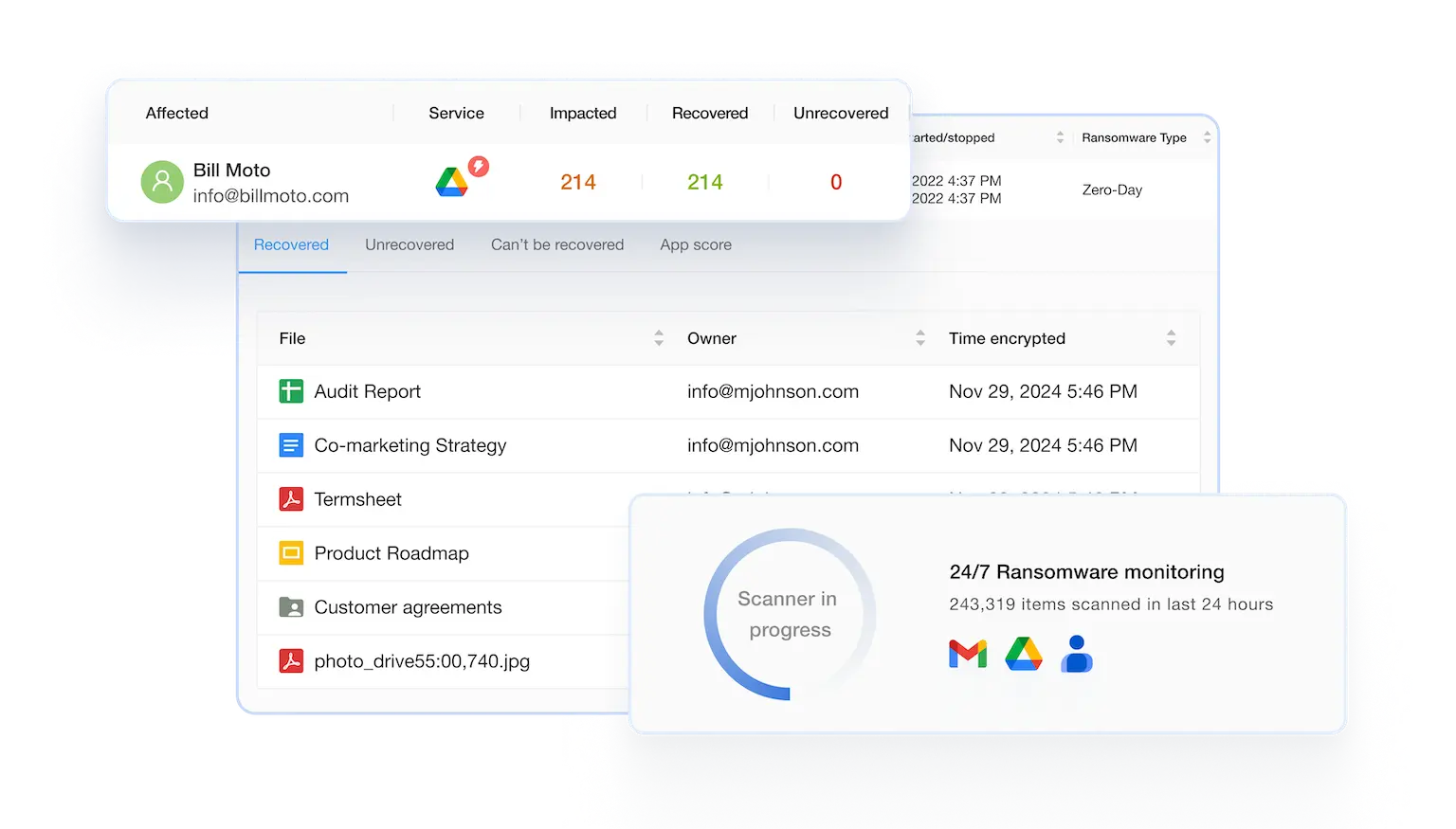
Watch a Google Workspace™ Ransomware Attack in Action



Book a Demo with Spin.AI
Schedule a 30-minute personalized demo with one of our security specialists
Award-Winning Solution

5x Recognition by
Global Infosec Awards
- Market Innovator Data Recovery
- Market Leader SaaS/Cloud Security
- Visionary Browser Security
- Visionary Data Security Posture Management (DSPM)
- Visionary Secure SaaS Backups

From SMBs to Fortune 500s, Here’s Why Businesses Choose SpinOne
Frequently Asked Questions
Have more questions about SpinOne and security gaps it can close?
Learn more from our FAQ section or contact our support.
Google Workspace™ ransomware protection is technology that detects and stops ransomware activity targeting Gmail, Google Drive, Shared Drives, and other Workspace apps, and recovers affected data without requiring a full-instance restore. SpinOne provides this with a 2-hour incident response SLA.
Yes — Google has added native ransomware detection and file restoration for Google Drive (Google Workspace Updates, March 2026). It’s a meaningful native improvement, and it’s scoped to Drive file-level detection and restoration. SpinOne extends coverage across Gmail, Shared Drives, Calendar, and Contacts in addition to Drive; blocks the malicious OAuth app or extension at the source rather than only restoring files after the fact; and guarantees a 2-hour SLA backed by immutable, off-platform storage.
Through 24/7 ML-powered monitoring, source-blocking of the malicious app or extension responsible, isolation of damaged files, immutable off-platform storage, and automated recovery from the last clean backup.
Industry-standard recovery from a Google Workspace ransomware incident can take 21+ days without a dedicated response tool. SpinOne’s SLA is under 2 hours.
Ransomware uses OAuth access to hit cloud office suites. It exploits application vulnerabilities or human error to gain access and infect your corporate Google Workspace™.
The detection logic is adapted to each suite’s telemetry and APIs to maximize accuracy and speed in both ecosystems with SpinOne.
Yes. SpinOne automatically recovers affected files from the last clean backup after stopping the attack, preserving Drive folder hierarchy and sharing permissions. For broader Google Workspace backup and retention detail beyond the ransomware scenario, see Google Workspace backup and recovery.
See the pricing page for plan details.




