Slack Backup and Recovery
Protect your Slack Data with Secure Backup & Accurate Recovery from SpinBackup
Advantages of SpinBackup for Slack
SpinBackup for Slack helps organizations strengthen their Disaster Recovery Plan (DRP) and ensure data loss prevention with automated SaaS data backup and recovery.

Multi-SaaS Protection
Protect multiple SaaS applications from a unified dashboard for complete protection.

Powerful Automation
Choose 1x (standard) or 3x (enterprise) a day automated snapshot backups with fast recovery.

Secure Storage
Back-up your SaaS data on secure cloud storage: AWS, GCP, Azure, or BYOS.

Data Resiliency & Compliance Friendly
Store data at 32 locations around the world to meet data resiliency requirements for regional or industry compliance frameworks.

Flexible Retention Policy
Configure your data retention policy from 6 months to indefinitely, giving you the ability to retain archives for future investigations.

Robust Search Capabilities
Utilize numerous search functions and filters to easily identify and recover lost data, including archived data.
Why SpinOne for Slack Backup?
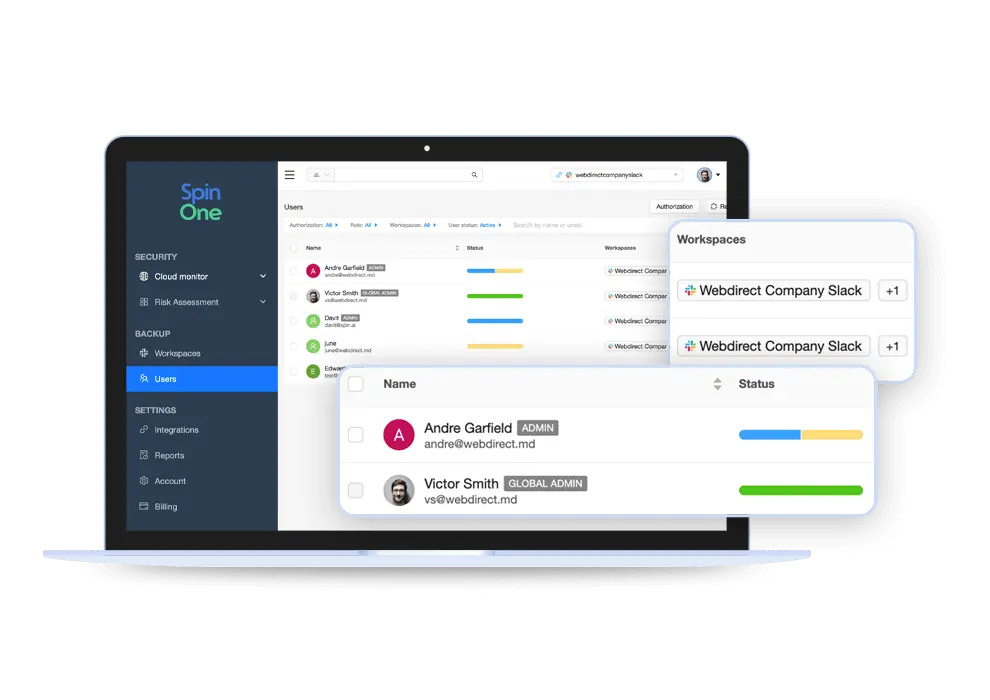
- Easy-to-use Slack integration
- Automated 1x/3x a day backup
- Regional storage locations (AWS, GCP, Azure, or BYOS)
- Effortless data management
- Prompt granular recovery
- 99.9% accurate restoration
- Complex reporting on incidents
- Archived users
- Flexible retention
- 24/7 support by phone, email, or chat
- Compliance: SOC 2, EU Privacy Shield, and GDPR
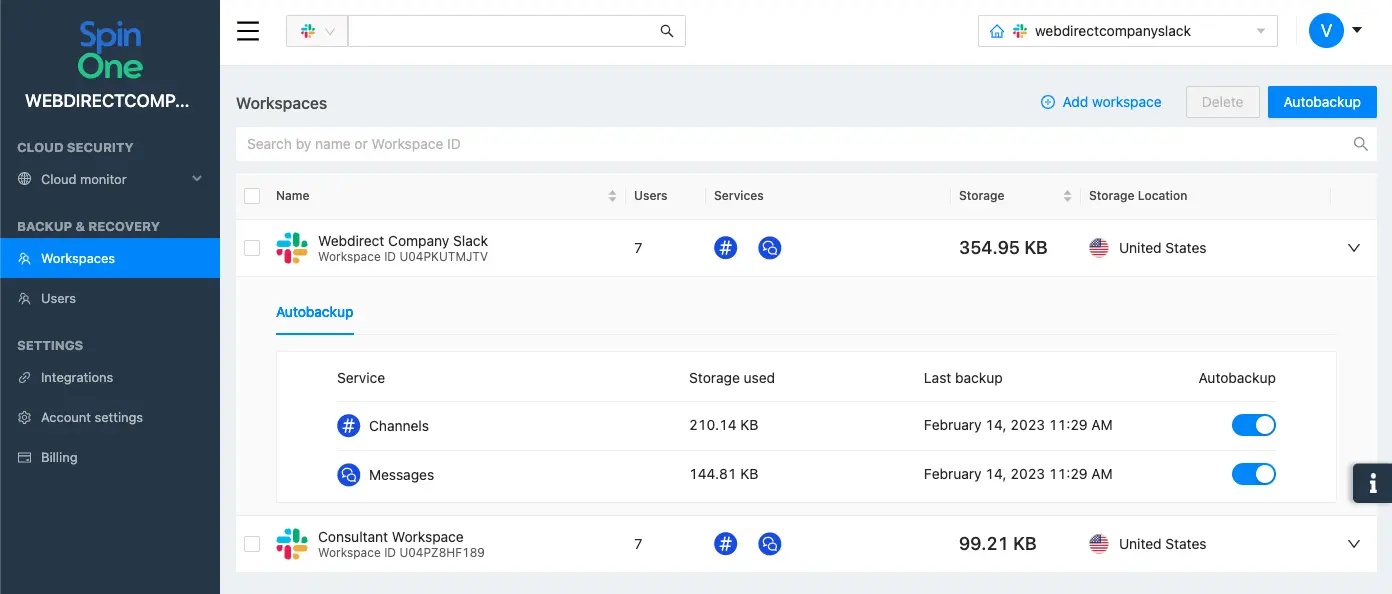
Automated Backup & Disaster Recovery
Get daily, automated 3x daily incremental snapshot backup of Slack data with a 99.9% SLA for backup and disaster recovery.
With SpinBackup, you also have unlimited, on-demand downloads of data and meta-data.



Book a Demo with Spin.AI
Schedule a 30-minute personalized demo with one of our security specialists
Award-Winning Solution
3x Recognition by
Global Infosec Awards
- Market Innovator Data Recovery
- Market Leader SaaS/Cloud Security
- Visionary Secure SaaS Backups

See Why Customers Love Us
Highest Backup Success Rate
SpinBackup uses modern, innovative technology to significantly decrease failures and throttling issues. Technical differentiators include:

Rate Limit Management
Overcomes throttling and API limits

Incremental Backups
Batch operations and incremental backups

Intelligent planning
Avoids service based limits with uniform distribution of requests by type (e.g. drive, email backups)

Deduplication
Ensures files are not backed up multiple times

Exponential Backoff Executor
Overcomes time-based quotas and ‘service unavailable’ cases

Provider Error Handling
Processes throttling issues and limits, reschedules and retries automatically

System Alerts
Generates alerts to Spin.AI internal engineering team for investigation

Individual Limits
Get the best speed and quality based on limits negotiated with providers
Frequently Asked Questions
Yes. SpinBackup for Slack offers granular recovery options for individual messages or entire Slack channels. So you can recover your Slack communication channels in situations like complete loss, deletion, ransomware attacks, etc.
Keep in mind that SpinBackup can only recover messages and channels that it has previously backed up. Try SpinBackup for free.
Yes, SpinBackup is for all users per Slack workspace.
Yes, SpinBackup can retain the archive data of deleted users. You can safely delete your Slack account and store all the data in our storage.
SpinBackup for Slack is for all users per workspace.
Only Administrators can access and use SpinBackup for Slack.
Spin.AI’s data centers are based in 32 locations worldwide — in the US, Australia, Asia, and Europe — to meet compliance and local regulations.
Yes. SpinBackup can backup direct messages and Slack conversations in private channels through the Slack API.
Yes. The Slack API that SpinBackup uses is the same across all Slack subscription plans.
Yes. SpinBackup can protect all your workspaces including public channels as well as private and archived channels.
Sure. SpinBackup for Slack offers a flexible retention policy, which you can configure according to your internal data retention policies and regulatory requirements.
Since SpinBackup performs incremental snapshot backups of Slack channels and messages, users can restore data based on these snapshots. This includes the ability to restore specific channels or messages, as well as restore channel messages to the original channel or a new channel.
Yes.




