Salesforce Backup and Restore Solution
The fastest cloud-to-cloud Salesforce backup and restore solution with automated daily backups for your business-critical data and metadata, strengthening data security in Salesforce Cloud.
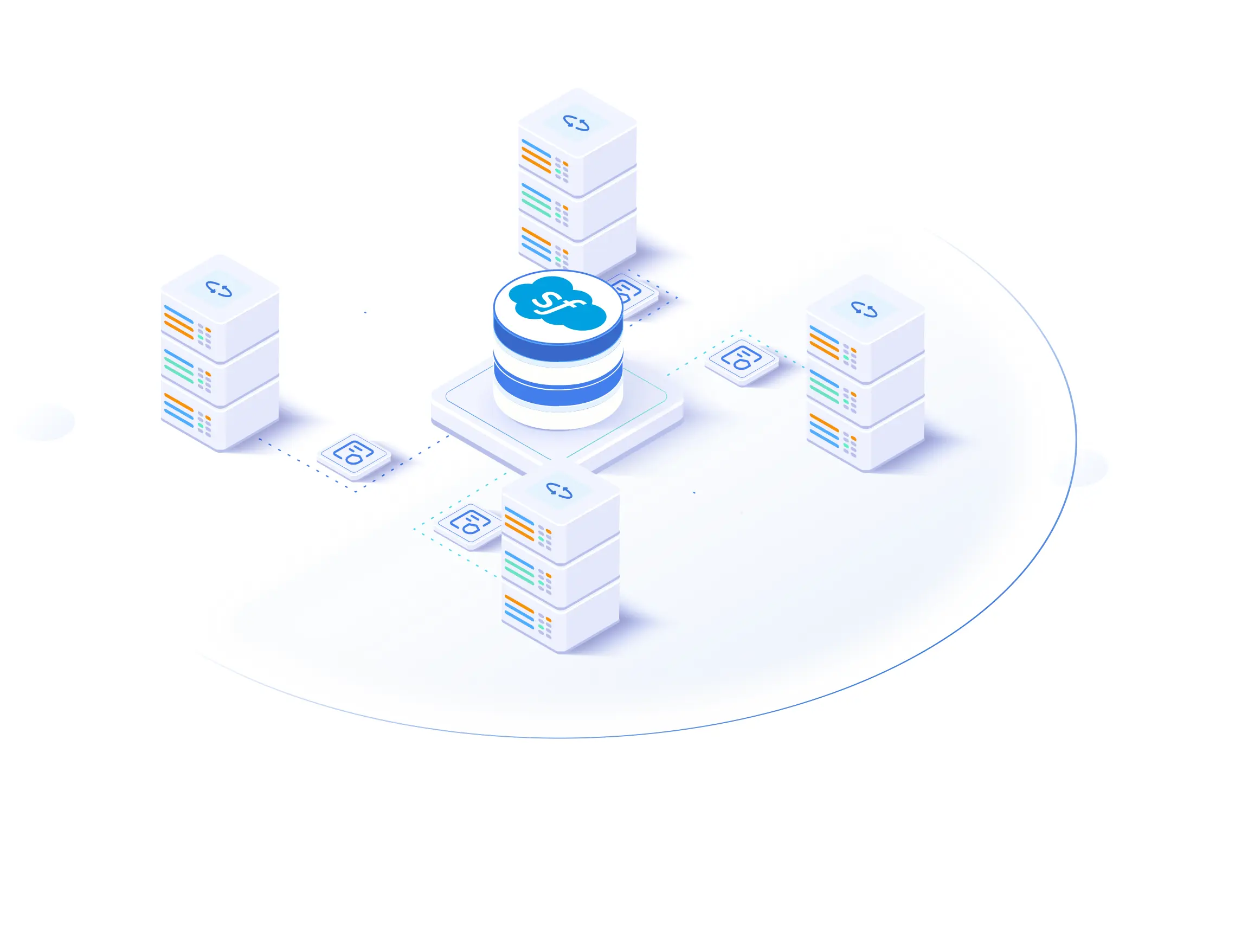
Salesforce Data Backup Advantages for Enterprise
SpinBackup offers comprehensive functionality to help enterprises back up their Salesforce data quickly and securely.

All Files Backup
Backup and export all files and CRM data from your Salesforce environment allowed by API.

Metadata Backup
Back-up metadata objects on-demand plus automated daily backups.

Compare Tools
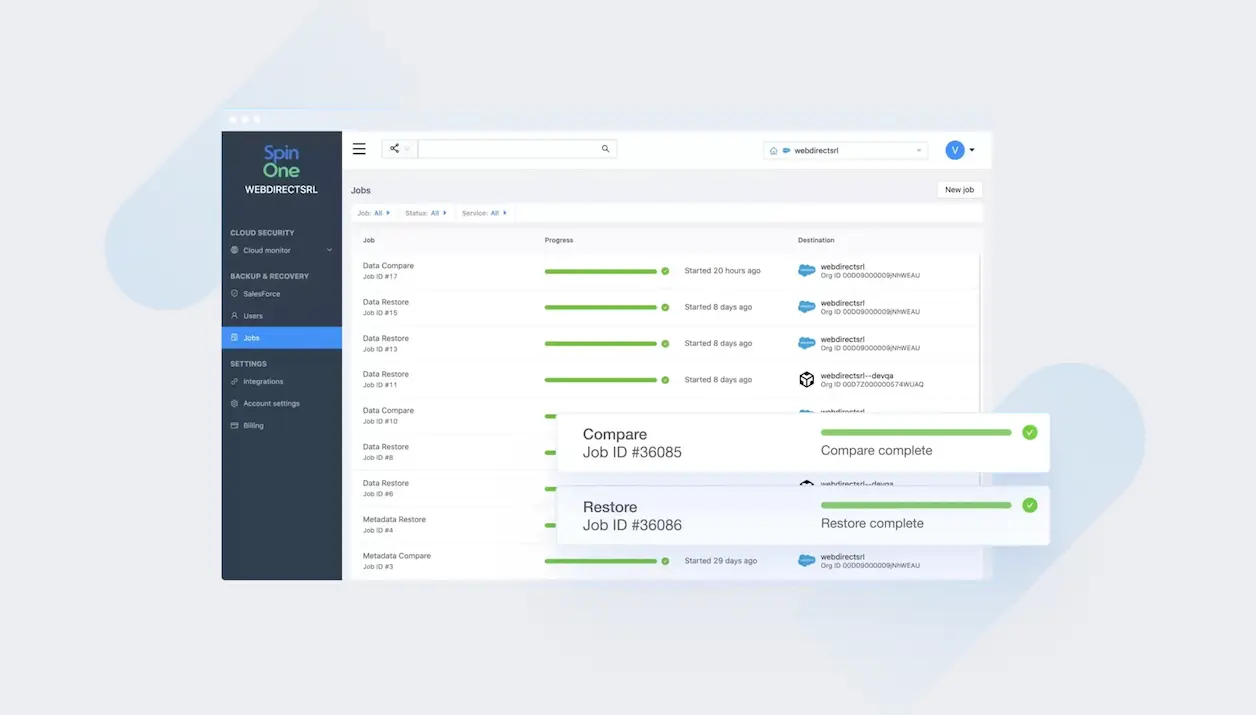
Compare objects and metadata objects with a selected previous version and review backup history.

Granular recovery
Perform bulk or granular recovery (granular restore) of your data or metadata across your service clouds.

Fast Performance
Restore, compare and back up faster as SpinOne utilizes 2 Salesforce APIs with intelligent backup automation that helps avoid API thresholds.

Sandbox Backup
Back up your sandbox to trial your changes prior to introducing them in your main service and accelerate sandbox seeding for dev/test.

Storage Choice
Choose unlimited regional storage to back up your Salesforce data on AWS, GCP, or Azure, or BYOS to fit your cloud‑based infrastructure.

Activity Reports
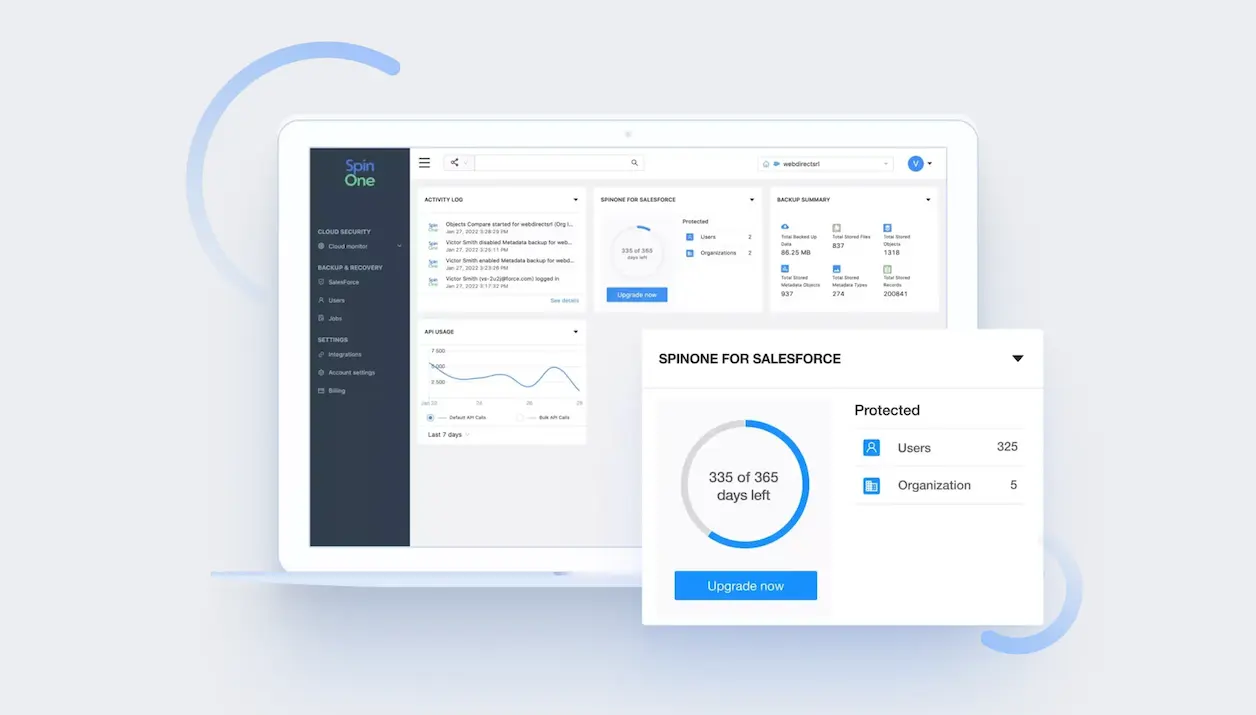
Get regular reports and alerts to better monitor your Salesforce changes, including insider risk information like user actions and data incidents.

API Monitoring
Define API call utilization for SpinBackup to control Salesforce API usage costs and fine‑tune your backup strategy.
Backup Salesforce with SpinBackup to protect your data and metadata
The SpinBackup Salesforce data protection solution includes comprehensive backup solutions that support both on-demand and automatic daily backup options to support continuous data protection strategies across your CRM data. It improves data management with tools for comparing objects and metadata against previous versions, and facilitates both bulk and granular data recovery across service clouds. Teams can align backups with data retention objectives, meet regulatory requirements, and strengthen data governance for SLA compliance.
With additional features like sandbox backup for testing changes, fast performance using dual Salesforce APIs, flexible storage options across major cloud platforms, and regular activity reports and alerts, SpinBackup ensures your Salesforce environment is securely backed up and easy to manage, with security measures that complement SpinOne’s zero trust access controls and threat detection.
The fastest Salesforce backup service on the market
SpinBackup is unique as it utilizes two types of Salesforce APIs to backup Salesforce environments. This lets our backup service perform more actions like compare, backup, or restore without exceeding Salesforce API thresholds. SpinBackup is a dedicated backup and recovery solution that can completely replace or complement Salesforce native backup features and other third‑party solutions. When you want a fast, thorough, and secure Salesforce backup, use SpinBackup. Even better, you can use the same backup solution and dashboard for multiple SaaS environments, looping Salesforce into your overall, streamlined and automated secure data protection strategy.



Book a Demo with Spin.AI
Schedule a 30-minute personalized demo with one of our security specialists
Award-Winning Solution

3x Recognition by
Global Infosec Awards
- Market Innovator Data Recovery
- Market Leader SaaS/Cloud Security
- Visionary Secure SaaS Backups

From SMBs to Fortune 500s, Here’s Why Businesses Choose SpinOne
Highest Backup Success Rate
SpinBackup uses modern, innovative technology to significantly decrease failures and throttling issues. Technical differentiators include:

Rate Limit Management
Overcomes throttling and API limits

Incremental Backups
Batch operations and incremental backups

Intelligent planning
Avoids service based limits with uniform distribution of requests by type (e.g. drive, email backups)

Deduplication
Ensures files are not backed up multiple times

Exponential Backoff Executor
Overcomes time-based quotas and ‘service unavailable’ cases

Provider Error Handling
Processes throttling issues and limits, reschedules and retries automatically

System Alerts
Generates alerts to Spin.AI internal engineering team for investigation

Individual Limits
Get the best speed and quality based on limits negotiated with providers
Frequently Asked Questions
Have more questions about SpinOne and Salesforce backup? Learn more from our FAQ section or contact our support.
Salesforce encourages the use of partner solutions and best practices for data backup and recovery, but they do have limited backup functionalities and strategies including data export services, a data loader (for bulk export of data and metadata) as well as APIs (which would require technical support for configuration).
There are three main reasons:
- Human error or malicious intent that can cause data loss or corruption
- Salesforce Admin errors that lead to metadata malfunction
- SF add-ons that automatically overwrite data
Our solution backs up Salesforce data once a day while the platform performs it up to three times a day.
Backing up your Salesforce data is essential for safeguarding your critical SaaS data and ensuring business continuity. Whether you’re protecting against data leak or loss, or cyberattacks, having reliable backups is crucial. Click here to learn more about how to backup your Salesforce with SpinBackup.
Data refers to the records and information that users create and manage within Salesforce. This includes details stored in standard objects like Accounts, Contacts, Leads, and Opportunities, as well as custom objects created to fit the specific needs of the organization. Metadata, on the other hand, describes the structure, configuration, and layout of the application itself; the data about data so, to speak. This encompasses the definitions of custom objects and fields, page layouts, reports, dashboards, user permissions, workflows, and more. Metadata defines how data is organized, displayed, and utilized within Salesforce, enabling the customization and functionality that Salesforce is known for.
Yes. Use Sandbox Backup to restore selected records and metadata into a sandbox to seed development and QA environments before pushing changes to production.
SpinBackup enables alignment with your organization’s data retention policies to help meet regulatory requirements and industry regulations.
Auditable backup history, automated daily backups, and configurable workflows help teams document recovery readiness and meet internal SLA compliance goals.
Spin.AI solutions complement backup with security measures such as zero trust access controls and threat detection through SpinOne to reduce risk exposure.
Best practice is to schedule backups, validate snapshots, and test restores regularly. Use granular restore for precise recoveries and document steps as part of your Salesforce backup strategy.




